The Signal Nomad HT-HD01 Network Bridge (aka “HaLow Dongle” or “Field Unit”) can be used to extend a wireless network by as much as a kilometer via the use of access point and end station transmitter/receiver units. These units — typically deployed in pairs — can be used in a remote location equipped with only Starlink or DSL Internet and no cellular coverage in order to extend a wireless signal beyond the range of traditional Wi-Fi.
I am not highly skilled in the use of electronic communications devices. But even I was able to quickly and easily connect the Network Bridge in order to extend my wireless Internet connectivity from my home to my pole barn and beyond. If you want to extend the reach of your Internet connection without stringing wire, then this equipment may be of interest to you. The Network Bridge is manufactured by Heltec in China, and was available at the time of this writing for $199 at SignalNomad.net [1]. (Full disclosure: Signal Nomad is a SurvivalBlog advertiser. The company is owned by a relative of SurvivalBlog’s Senior Editor James Wesley, Rawles.)
Background
I recently received an e-mail message from JWR letting me know that a Signal Nomad Network Bridge was on its way for me to for review. Not long afterward, a 14.5 x 9 inch heavy brown paper envelope arrived in my mailbox via USPS Parcel Select.
 [2]
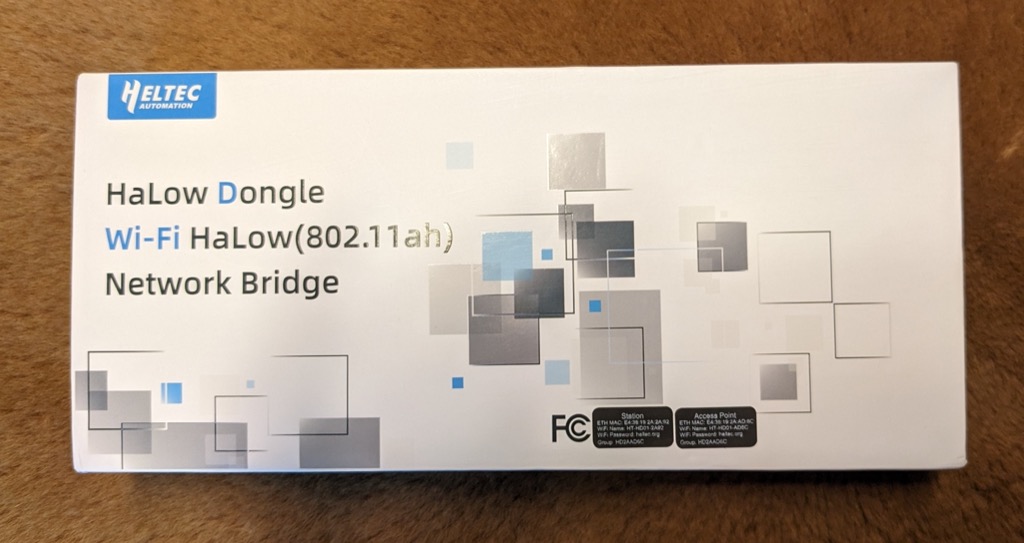
[2]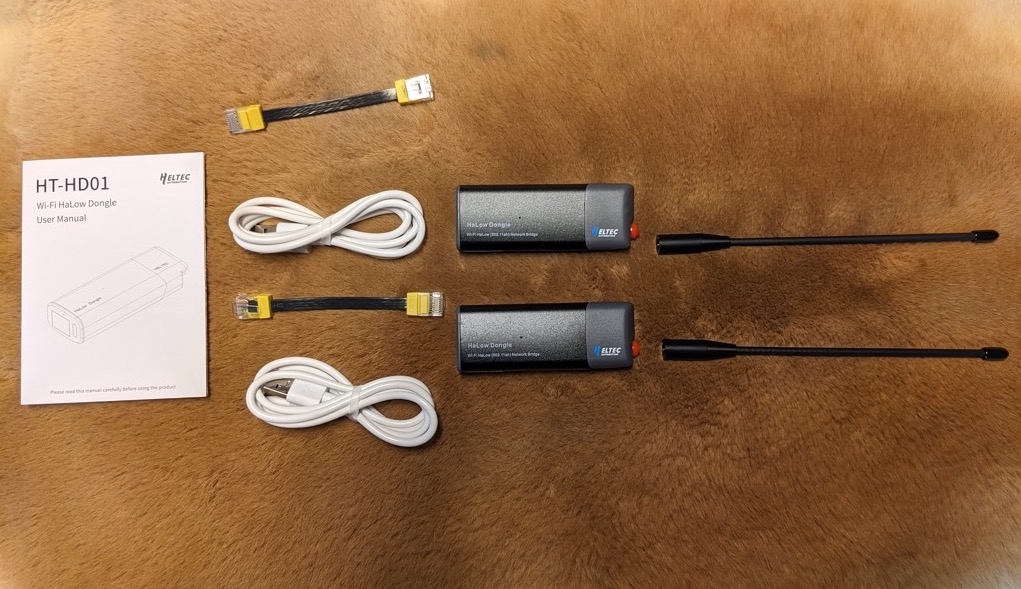 [3]The envelope contained a 8.75 x 4 x 1.63 inch product box enclosed in a resealable plastic bag. The box contained a manual, an access point Field Unit, a matching station unit, two USB-C cables, two short RJ45 cables, and two antennae.
Reading the Manual
The eight-page manual featured a number of items of helpful information:
— Illustrations clearly identified the various parts of each unit.
— Charts provided information about the meaning of variously colored lights.
— It provided a link to a more comprehensive user manual online. That particular link was no longer active. But I found that the correct current link instead was https://docs.heltec.org/en/wifi_halow/ht-hd01/index.html [4].
— The units are not waterproof and have only IP65 dust and water resistance [5]. (The IP65 nomenclature refers to full dust resistance but water Ingress Penetration resistance for just “occasional splashes.”) So they need to be used in a dry location not subject to condensation.
— The units can be used from -4 to +158 degrees Fahrenheit. This means that my pole barn may be too cold to house the station unit at times during the coldest weeks of winter.
Assembly
First, I screwed an antenna onto the access point unit. Then, I took a USB power supply that I had purchased at a thrift store many years ago. I connected the power supply to the access point unit using a USB-C cable. Next, I connected the access point unit to the router in the basement using a RJ45 cable and plugged the USB power supply into an electrical outlet. A red LED began to flash on the access point unit, indicating that the unit was booting up.
Next, I screwed an antenna onto the base station unit. Then I plugged the station unit into a power bank battery using a USB-C cable. A red light began to flash on the station unit, indicating that it too was booting up.
By this time, the light on the access point unit was solid green, indicating that the unit was connected to the Internet. Within a minute, the light on the station unit was also solid green, indicating that the station unit was also connected to the Internet.
I opened the Internet connection window on my Android phone. There, I found the SSID for the station unit. I clicked on that SSID, entered the password supplied in the manual, and connected my phone to the Internet via the Network Bridge.
Test #1
I went online and performed an Internet speed test on the network bridge. It indicated a download speed of 10.3 Mbps and an upload speed of 10.9 Mbps. The speed when the phone is connected directly to the router via Wi-Fi is typically about 75 Mbps download and 11 Mbps upload.
I then put on a bug jacket and took the station unit connected to the power bank, my phone, an ink pen, and a pad of paper, and ventured out into the wild.
This would be a very down and dirty test, because the access point unit was located in the basement, which is a terrible placement in terms of signal propagation. The location is so poor that our router, which is located there, has trouble propagating a Wi-Fi signal throughout the house. In fact, the signal propagation is so poor that I needed to add a Wi-Fi booster on the second floor in order to extend the signal to the upstairs guest room.
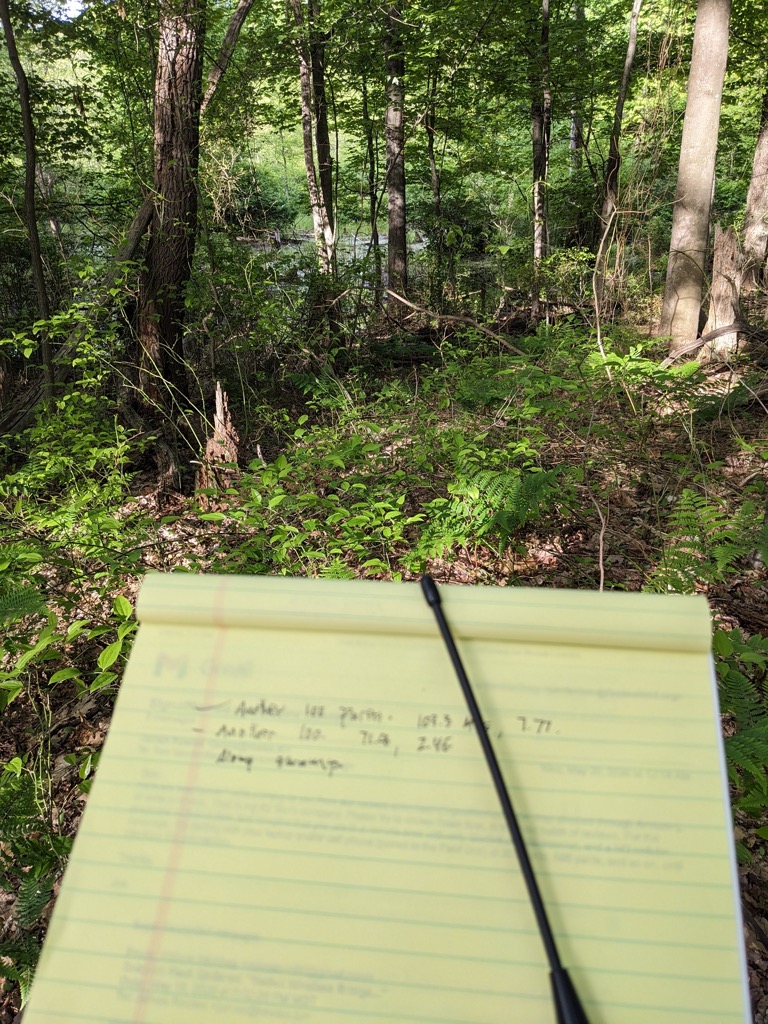 [6]In any case, I made my way into the edge of the woods 100 paces from the house. Swarms of mosquitoes quickly beset me from all sides. The bug jacket protected me from most of their attacks, except that I had not worn gloves. It is impossible to utilize the touch screen on the phone while wearing gloves. The mosquitoes quickly exploited this opening, requiring my hands to keep busy swatting mosquitoes while simultaneously holding the station unit, using the touch screen on the phone, and writing notes on the pad of paper. My penmanship suffered accordingly. I was at least able to clip a carabiner to connect the power bank to my belt, leaving me with one less item to juggle.
My location in the edge of the woods placed the pole barn between me and the house. In spite of the additional obstacle presented by this mass of steel, an Internet speed test indicated a download speed of 3.89 Mbps and an upload speed of 4.23 Mbps.
I moved an additional 100 paces away from the house, cresting the ridge of a low hill and making my way down into the lowland beyond. The swarms of mosquitoes grew even thicker. An Internet speed test indicated a download speed of 0.68 Mbps and an upload speed of 1.01 Mbps.
I made my way still another 100 paces away from the house, walking along the shore of a swampy area. At almost exactly 300 paces from the house, the signal finally petered out completely. In spite of concrete basement walls, barn steel, a hill, and thick foliage, the signal was able to carry for almost 300 paces. I would have been impressed with just a usable signal in the barn.
Test #2
For the second test, I tried to create better conditions for signal propagation. I borrowed some longer RJ45 cables from the church office. I strung one of them from the router in the basement, along the ceiling of the basement to the stairwell. I then ran the cable up the stairwell.
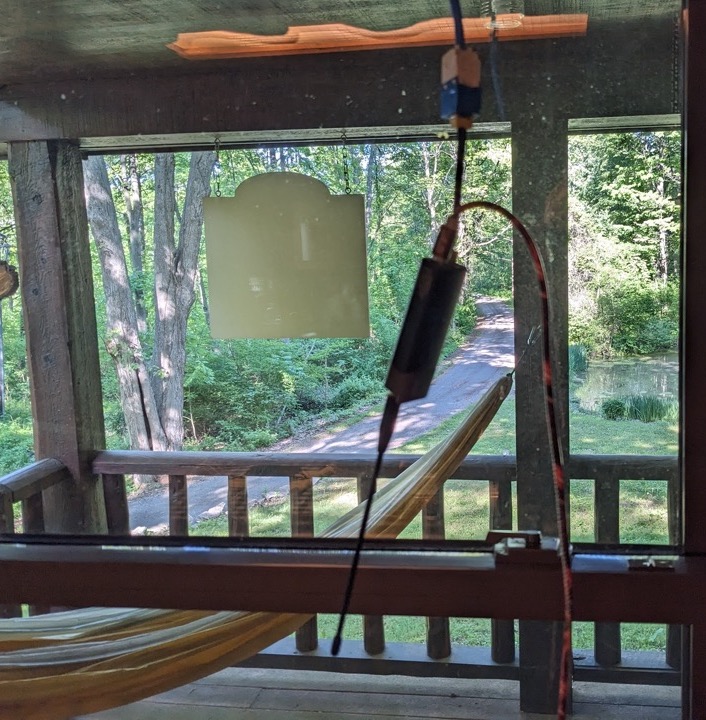 [7]At the top of the stairwell, I attached a female to female RJ45 cable. I then ran that cable from the stairwell to the kitchen window that faces the front yard and the driveway. Finally, I used one of the short RJ45 cables that came with the Network Bridge to connect the female RJ45 cable to the access point unit.
Next, I ran a long USB-C cable from the access point unit to an outlet in the kitchen that was equipped with a USB outlet. The light on the access point unit started blinking red.
Next, I connected the station unit to the power bank. The light on the station unit started blinking red.
By this point, the light on the access point unit had turned green, indicating an Internet connection. Soon, the light on the station unit also turned green.
I ran a speed test on my household Wi-Fi connection. The download speed was 75.0 Mbps. The upload speed was 11.3 Mbps.
I then connected my Android phone to the station unit. The download speed in the kitchen within six feet of the access point unit was 10.1 Mbps. The upload speed was 10.6 Mbps.
I went outside and walked 100 paces over the front porch, down the front steps, across the front lawn and down the driveway. At that point the download speed was 8.16 Mbps. The upload speed was 8.10 Mbps.
As I continued another 100 paces, the driveway curved and thick woods came between me and the house. At that point the download speed dropped to 1.17 Mbps. The upload speed was 4.32 Mbps.
I continued another 100 paces down the driveway. At that point the download speed was 0.09 Mbps. The upload speed was 0.37 Mbps.
I continued across the road and into the farmer’s field on the other side. The signal was lost just as I reached 100 paces.
So, with fairly dense woods between the access point unit and the station unit, range was extended from approximately 300 to 400 paces. Achieving a range of one kilometer would probably require a clear line of sight between the access point unit and the station unit.
Conclusions
While using the Network Bridge under conditions that were somewhat-to-extremely-adverse to signal propagation, even an unskilled user like me was able to extend the useful range of my Internet connection to between 275 and 400 paces from the router, on a wooded property.
You may want to extend the reach of your Internet connection to outbuildings, agricultural equipment, RVs, security systems, or other locations beyond typical Wi-Fi range. If that is the case, a Signal Nomad Network Bridge may provide you with an effective solution that does not involve stringing wire.
Disclaimer
Signal Nomad loaned me a sample pair of their HT-HD01 Network Bridge for testing and evaluation. I tried not to allow their kindness to interfere with the objectivity of this review, and I believe that I have succeeded. I did not receive any other financial or other inducement to mention any vendor, product, or service in this article.